
Pinterest for E-commerce: How to Drive Sales Using Pins
- Nathaniel Webber-Cook
- Oct 16, 2024
- 8 min read

Pinterest has evolved from a virtual pinboard for DIY projects and aesthetic inspiration to a powerful e-commerce platform. With over 450 million active users, Pinterest offers a unique opportunity for e-commerce brands to drive traffic, increase brand awareness, and, most importantly, boost sales. The platform’s highly visual and intent-driven nature makes it a goldmine for businesses, especially in retail, fashion, home décor, beauty, and lifestyle niches.
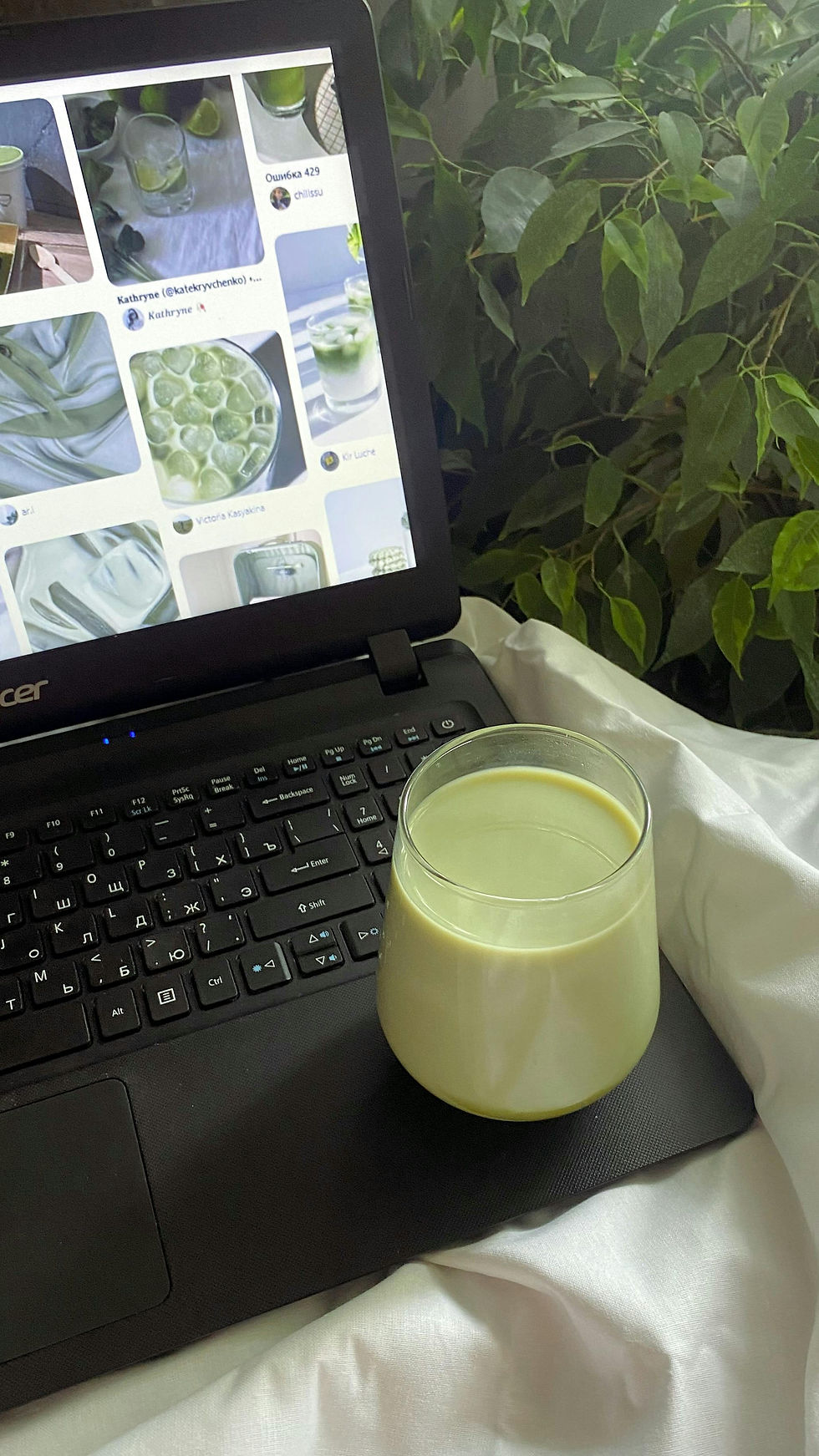
In this comprehensive guide, we’ll explore how e-commerce businesses can leverage Pinterest to drive sales. We’ll cover everything from setting up your Pinterest business account, optimizing your pins for maximum visibility, leveraging Pinterest’s paid advertising tools, and using advanced strategies to turn Pinterest traffic into sales.
1. Why Pinterest is Ideal for E-commerce
Pinterest is distinct from other social media platforms because it operates more like a search engine than a typical social networking site. Users actively search for products, ideas, and inspiration, often with the intent of purchasing or acting on the information they find. This makes it an ideal platform for e-commerce brands to showcase products in front of users who are ready to take action.
Here are some key reasons why Pinterest is an e-commerce powerhouse:
Shopping Mindset: Pinterest users often turn to the platform when they’re in discovery mode, looking for ideas, products, and inspiration. This means they’re primed for product discovery and purchases.
High Purchase Intent: 89% of Pinterest users say they use the platform for purchase inspiration. Furthermore, 50% of Pinterest users have made a purchase after seeing a promoted pin.
Visual Search Engine: Pinterest’s algorithm rewards content that is visually appealing and relevant to user searches, making it an excellent place for brands to display their products.
Longevity of Pins: Unlike other social platforms where content has a short shelf life, pins on Pinterest can continue driving traffic and sales for months or even years after being posted.
2. Setting Up a Pinterest Business Account for E-commerce
Before you dive into pinning your products, it’s essential to set up a Pinterest business account. A business account unlocks essential features like Pinterest Analytics, ads, and Rich Pins, all of which are critical for driving e-commerce sales.
How to Create a Pinterest Business Account:
Sign Up: Go to Pinterest for Business and sign up for a business account.
Profile Optimization: Optimize your profile by adding your business name, logo, and a compelling bio that reflects your brand’s voice and mission. Ensure your profile links back to your website.
Claim Your Website: Claiming your website is crucial as it verifies your site, allowing you to track analytics and ensure your content is properly attributed to your account.
Enable Rich Pins: Rich Pins are a vital tool for e-commerce brands. They automatically sync product details from your website, such as pricing and availability, directly onto the pin. This makes it easier for users to access real-time information and make purchases.
Set Up Pinterest Tags: Similar to Facebook’s Pixel, Pinterest Tag allows you to track conversions and measure the effectiveness of your Pinterest campaigns. Installing the tag on your website will give you deeper insights into user behavior and help you optimize for sales.
3. Pin Optimization: Best Practices for Driving Sales
When it comes to driving e-commerce sales, not all pins are created equal. To ensure your products stand out and encourage users to click through to your website or store, you need to optimize your pins effectively.
Creating High-Quality, Clickable Pins:
Use High-Resolution Images: Pinterest is a visual platform, so the quality of your images is paramount. Use clear, high-resolution images that showcase your product in its best light. Avoid cluttered images and ensure your product is the focal point.
Vertical Pins Perform Best: Pinterest’s layout favors vertical images with a 2:3 aspect ratio (for example, 1000 x 1500 pixels). Vertical pins take up more space on the feed, making them more likely to catch users' attention.
Compelling Pin Descriptions: Your pin’s description is your chance to explain what the product is and why users need it. Use keywords naturally to increase the chances of your pin showing up in search results. Incorporate a strong call-to-action (CTA) to encourage users to click through to your site, such as “Shop Now” or “Discover More.”
Use Rich Pins: Rich Pins are essential for e-commerce businesses. With Rich Pins, product pins will automatically update pricing, availability, and descriptions, ensuring users have the latest information.
Incorporate Keywords: Just like SEO on Google, Pinterest has its own search engine, and using relevant keywords is essential for your pins to appear in search results. Research and use keywords that your target audience would search for when looking for products similar to yours. Include these keywords in your pin titles and descriptions.
Leverage Text Overlays: Sometimes, adding text overlays to your images can make them more engaging and informative. Use bold, clear fonts to convey the product's value proposition, such as “Limited Edition” or “Best Seller.” Just ensure the text doesn’t overshadow the product image itself.
Examples of Effective Pins for E-commerce:
Lifestyle Pins: Show your product in action. For example, if you’re selling clothing, use images of people wearing your products in real-life scenarios.
How-to Pins: Step-by-step guides or tutorials related to your product can be highly effective. If you’re selling beauty products, consider creating pins that show how to use them.
Before-and-After Pins: These are especially effective for products that offer transformational results, such as beauty, fitness, or home improvement items.
4. Pinterest Shopping Features for E-commerce
Pinterest has several built-in shopping features that make it easier for users to discover and buy products directly through the platform. Taking advantage of these features can streamline the shopping experience and increase sales.
Pinterest Shopping Ads:
Shopping Ads allow e-commerce businesses to promote their products directly within the Pinterest feed, targeting users who are already searching for similar items. These ads feature product images, prices, and direct links to your store.
To set up Shopping Ads:
Upload Your Product Catalog: By integrating your product feed with Pinterest, you can create a shoppable experience where users can see your entire catalog.
Set Up Dynamic Retargeting: Retargeting ads are a powerful way to convert users who have previously engaged with your content but didn’t complete a purchase.
Buyable Pins:
Buyable Pins, or Product Pins, allow users to purchase products directly on Pinterest without ever leaving the platform. These pins have a blue price tag and a "Buy" button that takes users to your checkout page.
Shop the Look Pins:
Shop the Look Pins allow you to tag multiple products within a single pin. For example, if you’re promoting a living room setup, you can tag the couch, the throw pillows, and the coffee table, allowing users to shop each item individually.
5. Driving Traffic from Pinterest to Your Website
While getting engagement on Pinterest is great, the ultimate goal is to drive traffic to your website where conversions happen. Here’s how to optimize your pins and boards to increase click-through rates (CTR) and direct more users to your store.
Create Engaging Pinterest Boards:
Your Pinterest boards should be well-organized and cater to different aspects of your product offerings or niches. For example, if you’re a fashion brand, you can have boards for “Summer Dresses,” “Workwear,” “Accessories,” etc. Make sure each board is optimized with keywords, relevant categories, and eye-catching covers.
Link Directly to Product Pages:
Every pin you post should link directly to the relevant product page on your website. Avoid linking to your homepage, as this adds friction to the user journey. The more direct and seamless the path to purchase, the higher your conversion rate will be.
Use Promoted Pins to Boost Traffic:
Promoted Pins are a form of paid advertising that allows you to amplify your content's reach on Pinterest. By promoting your top-performing pins, you can ensure they’re seen by a larger, more targeted audience, which can significantly boost traffic to your website.
6. Advanced Pinterest Strategies for E-commerce
To take your Pinterest e-commerce strategy to the next level, consider implementing advanced tactics to boost your visibility and conversions.
Utilize Pinterest Analytics for Insights:
Pinterest Analytics offers valuable insights into your audience’s behavior, including what types of content resonate with them, which pins drive the most traffic, and how your overall profile is performing. Use this data to refine your content strategy and focus on what works.
Seasonal and Trending Content:
Pinterest users are often planning ahead, which means you should be creating content around upcoming seasons, holidays, and trends. For example, start pinning holiday gift guides as early as September or summer fashion ideas in March.
Collaborate with Influencers and Other Brands:
Partnering with influencers or complementary brands can help expose your products to a broader audience. Collaborative boards, influencer pins, and sponsored content are all effective ways to increase your brand's reach on Pinterest.
User-Generated Content (UGC):
Encourage your customers to create and share content featuring your products. User-generated content builds trust and acts as social proof, which can significantly boost sales. Create a branded hashtag and encourage users to tag your brand in their pins for a chance to be featured on your boards.
7. Converting Pinterest Traffic into Sales
Once you’ve successfully driven traffic from Pinterest to your website, the next step is converting those visitors into customers.
Optimize Your Landing Pages:
Ensure that the landing pages your pins lead to are optimized for conversions. Your product pages should be visually appealing, mobile-friendly, and include compelling product descriptions, high-quality images, and clear CTAs like “Add to Cart” or “Buy Now.”
Offer Incentives:
Consider offering first-time visitors a special discount or free shipping to incentivize conversions. Exit-intent popups and limited-time offers can also encourage users to complete their purchase.
Retarget Pinterest Visitors:
Use retargeting ads to target users who have previously engaged with your pins but haven’t yet made a purchase. By showing them the products they’ve already expressed interest in, you can nudge them closer to conversion.
8. Pinterest Ads for E-commerce
Pinterest’s advertising platform offers several options for e-commerce brands to promote their products and drive sales. Whether you’re using Shopping Ads, Promoted Pins, or Video Ads, Pinterest’s targeting capabilities allow you to reach the right audience.
Types of Pinterest Ads:
Promoted Pins: Regular pins that you pay to appear in relevant searches or user feeds.
Shopping Ads: Ads that promote products directly from your catalog and display real-time pricing and availability.
Carousel Ads: Allow you to showcase multiple products or images within one ad.
Video Ads: Engage users with video content showcasing your products in action.
Targeting Options:
Pinterest Ads allow you to target users based on demographics, interests, and keywords. You can also retarget users who have interacted with your pins or visited your website, allowing you to re-engage potential customers and drive conversions.
9. Success Stories: Brands Driving Sales with Pinterest
Numerous brands have seen significant success by integrating Pinterest into their e-commerce strategies. Here are a few notable examples:
Etsy: The online marketplace Etsy leveraged Pinterest to reach its target audience of creative consumers. Etsy’s highly visual product catalog and commitment to curating seasonal boards helped the platform become one of the largest traffic drivers to the site.
Wayfair: The home décor brand Wayfair utilizes Shop the Look Pins and Pinterest Ads to engage users looking for furniture and home inspiration. They’ve seen significant increases in traffic and sales through the platform.
Sephora: Beauty retailer Sephora uses Pinterest to showcase makeup tutorials, product guides, and user-generated content. By making their pins shoppable and promoting content seasonally, Sephora has driven substantial sales from Pinterest.
Conclusion
Pinterest is an essential platform for e-commerce brands looking to drive sales through highly visual and intent-driven content. By optimizing your pins, boards, and profile, utilizing Pinterest’s shopping and advertising features, and driving traffic to well-optimized product pages, you can turn Pinterest into a significant sales channel for your business.
With the right strategies, e-commerce businesses can tap into Pinterest’s massive audience and harness its potential to drive meaningful traffic, increase brand awareness, and most importantly, boost sales. Whether you’re just starting out on Pinterest or looking to refine your strategy, the key is to consistently produce high-quality, relevant content that speaks directly to your audience’s interests and shopping intent.
By following the steps outlined in this guide and staying up-to-date on Pinterest’s latest tools and features, you can turn pins into purchases and create a profitable Pinterest marketing strategy for your e-commerce business.


Comments